
PavoAI Pro image workspace
Pavo AI Image Generator & Tools
Create a still, refine a reference, or prepare an asset for a larger project in the PavoAI Pro image workspace.
Create an imageChoose the image task
Open the workflow that matches the next step in your project. Each tool keeps generation, input, preview, and export together.
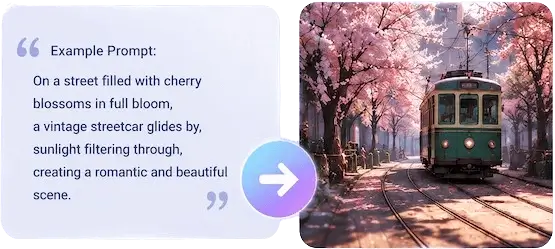
AI image generator
Create a new image with GPT Image 2.5 and the other models available in the workspace.
Open image generator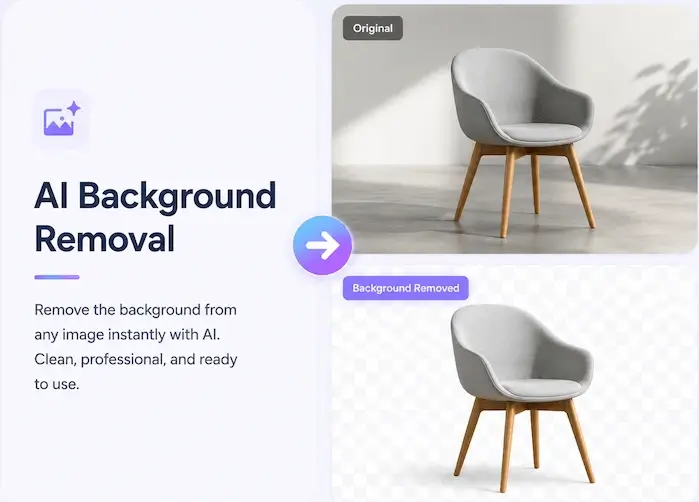
Remove Background
Create a new image with GPT Image 2.5 and the other models available in the workspace.
Open image generator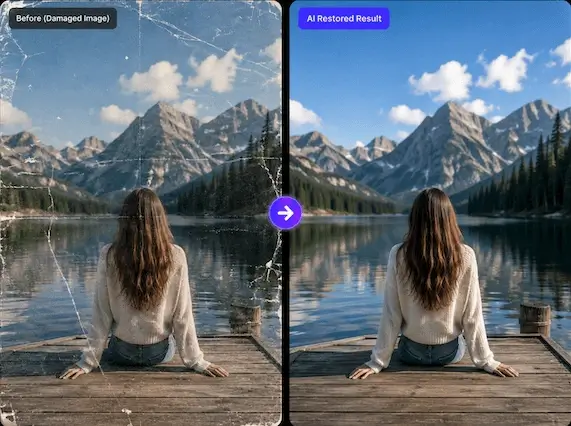
Guided BG Remover
Create a new image with GPT Image 2.5 and the other models available in the workspace.
Open image generatorImage Upscale
Create a new image with GPT Image 2.5 and the other models available in the workspace.
Open image generatorFace Swap
Create a new image with GPT Image 2.5 and the other models available in the workspace.
Open image generatorImage Reframe
Create a new image with GPT Image 2.5 and the other models available in the workspace.
Open image generatorImage Inpaint
Create a new image with GPT Image 2.5 and the other models available in the workspace.
Open image generatorImage Layered
Create a new image with GPT Image 2.5 and the other models available in the workspace.
Open image generatorStart with the task, then choose a model
The image workspace keeps model selection close to the prompt and output settings, so you can choose the right image workflow for the job.
AI image tools FAQ
Which image tool should I use?
Use the generator for a new composition, Background Remover for a subject cutout, Image Upscaler for a larger export, and Face Swap for a supported replacement workflow.
What is the default image model?
GPT Image 2.5 is the default image model in PavoAI Pro. Other available models are shown in the workspace.
Do I need to install a local model?
No. PavoAI Pro provides the browser workspace, inputs, settings, preview, and download flow after you sign in.
Open the image workspace
Create a first image with a free account, then move into editing and image tools as the project develops.