
PavoAI Pro video workspace
Pavo AI Video Generator & Tools
Start from a sentence or a reference image, choose a real video model, and continue through focused video workflows.
Generate a videoChoose the video task
Start with the outcome you need. The generator and specialist tools open in the shared video workspace.
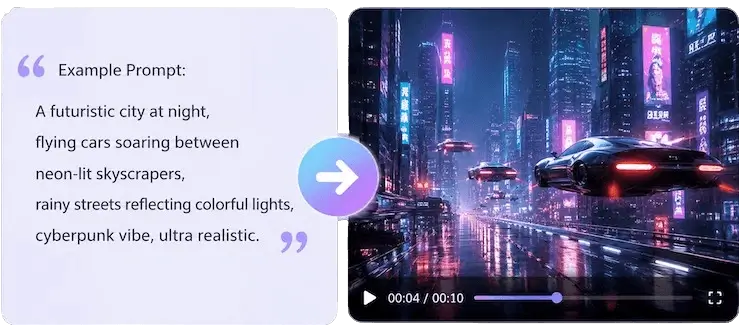
AI video generator
Create text-to-video or image-to-video clips with Seedance 2.5, Kling 3.0, Veo 4, Wan 3.0, and MiniMax H3.
Open video generator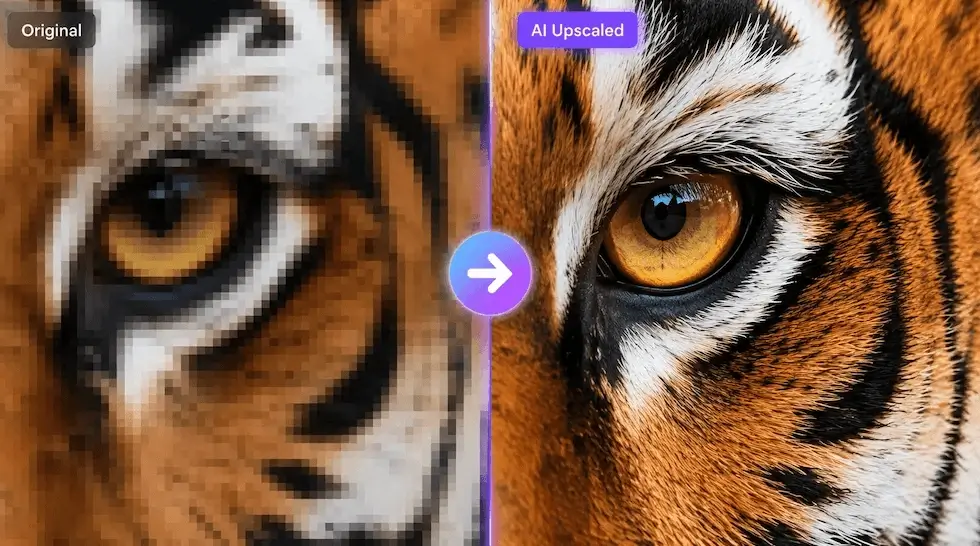
Video Upscaler
Create text-to-video or image-to-video clips with Seedance 2.5, Kling 3.0, Veo 4, Wan 3.0, and MiniMax H3.
Open video generator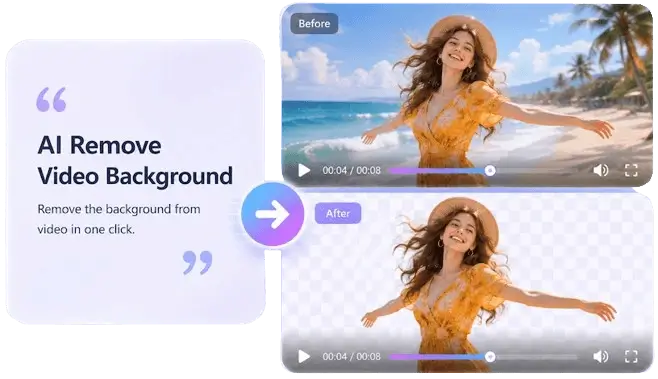
Video BG Remover
Create text-to-video or image-to-video clips with Seedance 2.5, Kling 3.0, Veo 4, Wan 3.0, and MiniMax H3.
Open video generatorMotion Transfer
Create text-to-video or image-to-video clips with Seedance 2.5, Kling 3.0, Veo 4, Wan 3.0, and MiniMax H3.
Open video generatorVideo Watermark Remover
Create text-to-video or image-to-video clips with Seedance 2.5, Kling 3.0, Veo 4, Wan 3.0, and MiniMax H3.
Open video generatorVideo FPS Increaser
Create text-to-video or image-to-video clips with Seedance 2.5, Kling 3.0, Veo 4, Wan 3.0, and MiniMax H3.
Open video generatorVideo Restorer
Create text-to-video or image-to-video clips with Seedance 2.5, Kling 3.0, Veo 4, Wan 3.0, and MiniMax H3.
Open video generatorVideo Colorizer
Create text-to-video or image-to-video clips with Seedance 2.5, Kling 3.0, Veo 4, Wan 3.0, and MiniMax H3.
Open video generatorVideo Depth Map
Create text-to-video or image-to-video clips with Seedance 2.5, Kling 3.0, Veo 4, Wan 3.0, and MiniMax H3.
Open video generatorChoose the model for the shot
Use the model list in the workspace to match the shot, motion, format, and reference input you have in mind.
AI video tools FAQ
Which AI video models can I use?
The workspace currently exposes Seedance 2.5, Kling 3.0, Veo 4, Wan 3.0, and MiniMax H3 among its video model choices.
Can I turn an image into a video?
Yes. Choose a video model that accepts an image input, then add the image in the workspace before submitting the shot.
Can I work with an existing video?
Yes. Supported video tools show their upload requirements and controls inside the workspace before processing begins.
Start with your next shot
Open the video generator with a free account, or choose a focused tool for footage you already have.